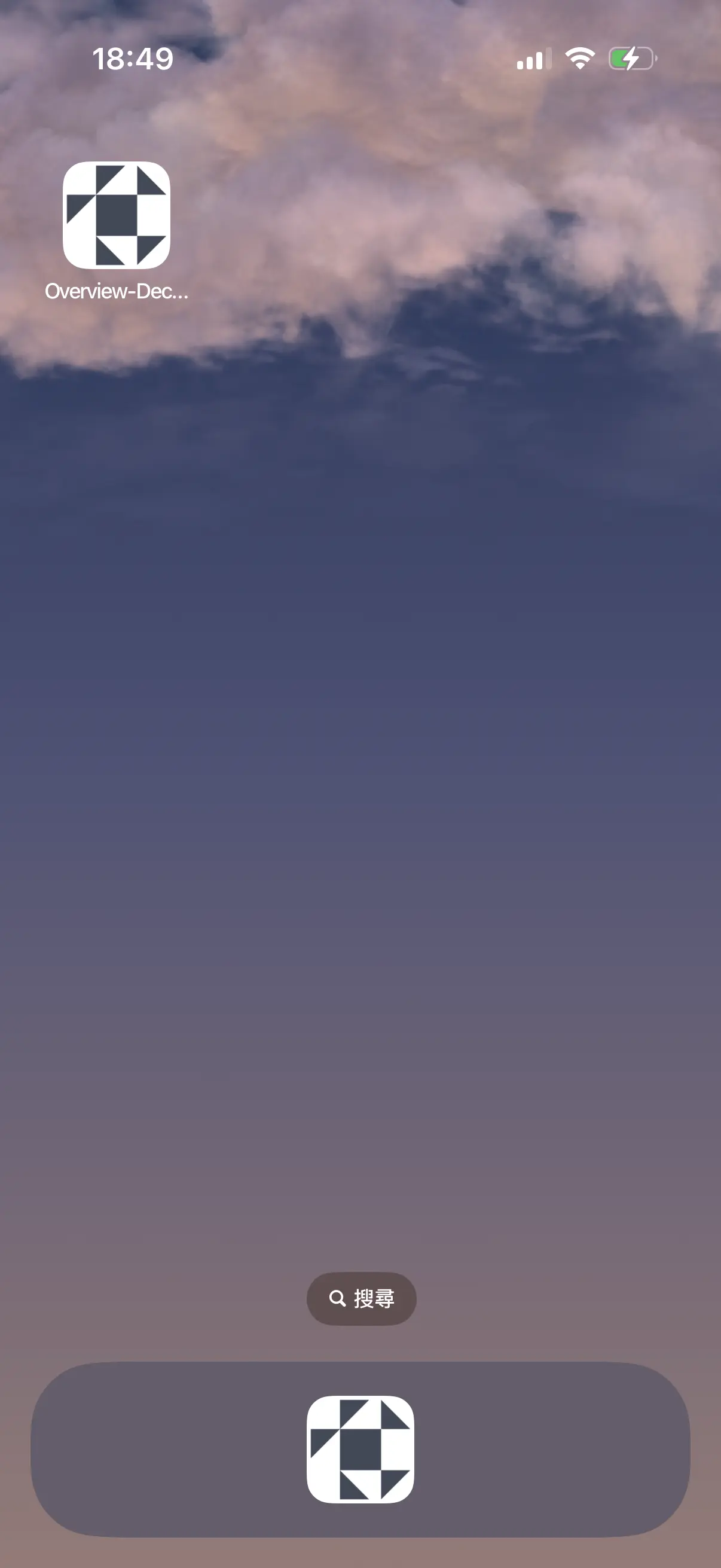
Even though it’s a website, you can use it just like an app — no typing URLs, no searching, just one tap from your home screen!
Three simple steps to add it to your phone’s home screen for the same convenience as an app!
Here’s what it looks like
How to set it up in 3 steps
 Ledger Overview
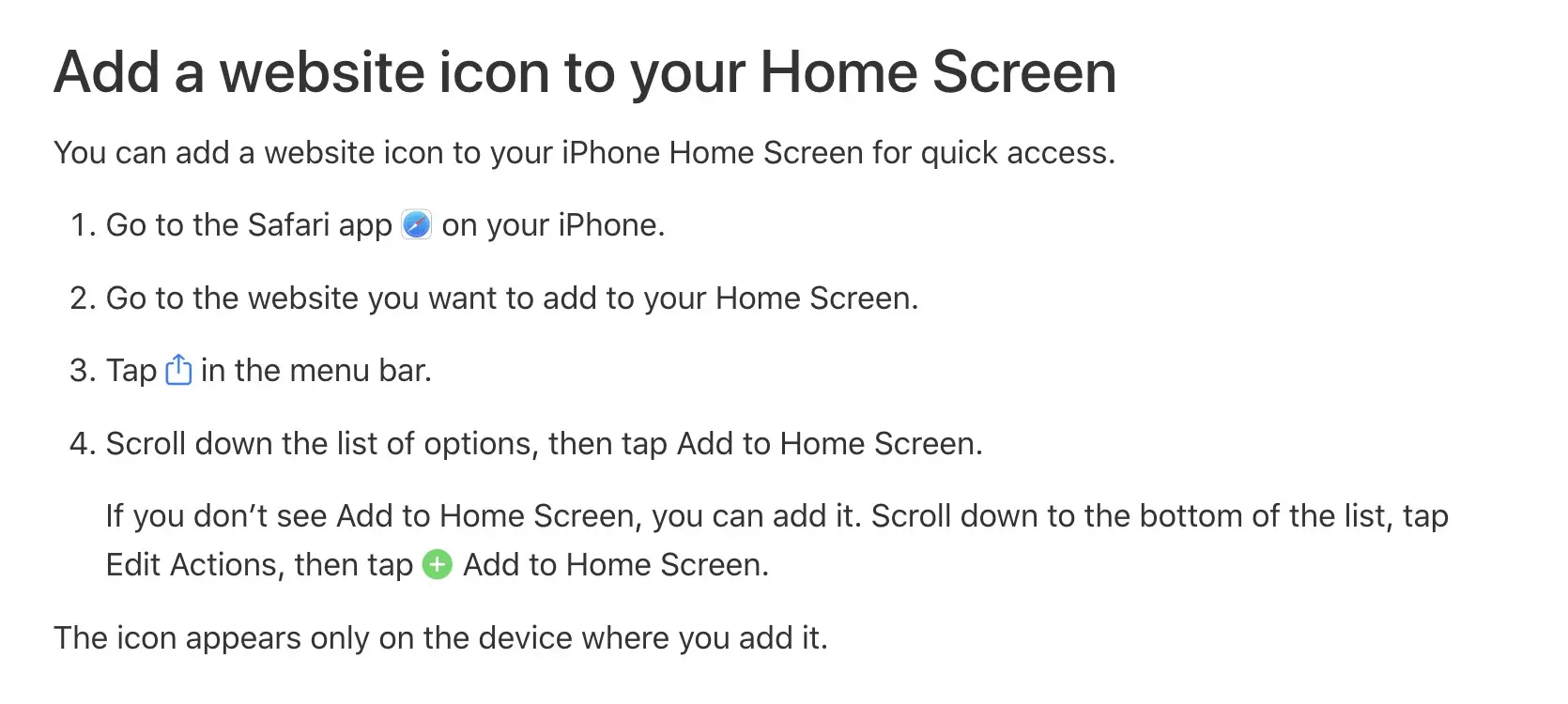
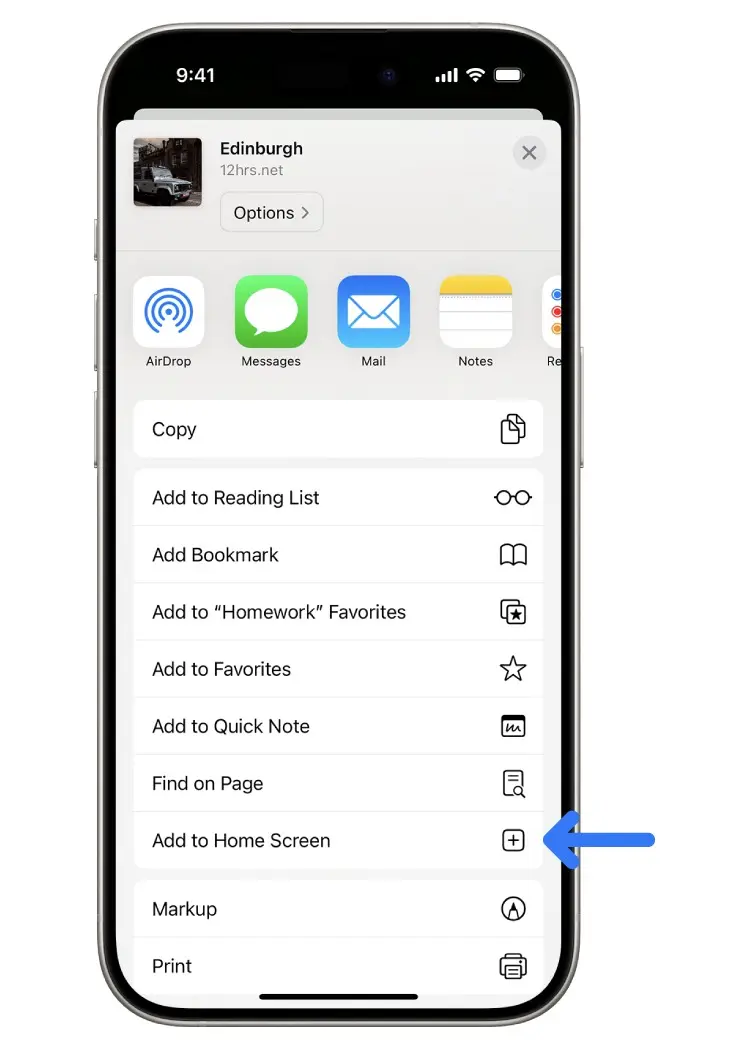
Reference: From Apple Support
Page link:support.apple.com/en-asia/guide/iphone/iph42ab2f3a7/ios
See detailed instructions in this section
 Decents
Check more via Ikko


 Calculator